How to Download Your HDFC Bank Statement Online Quickly
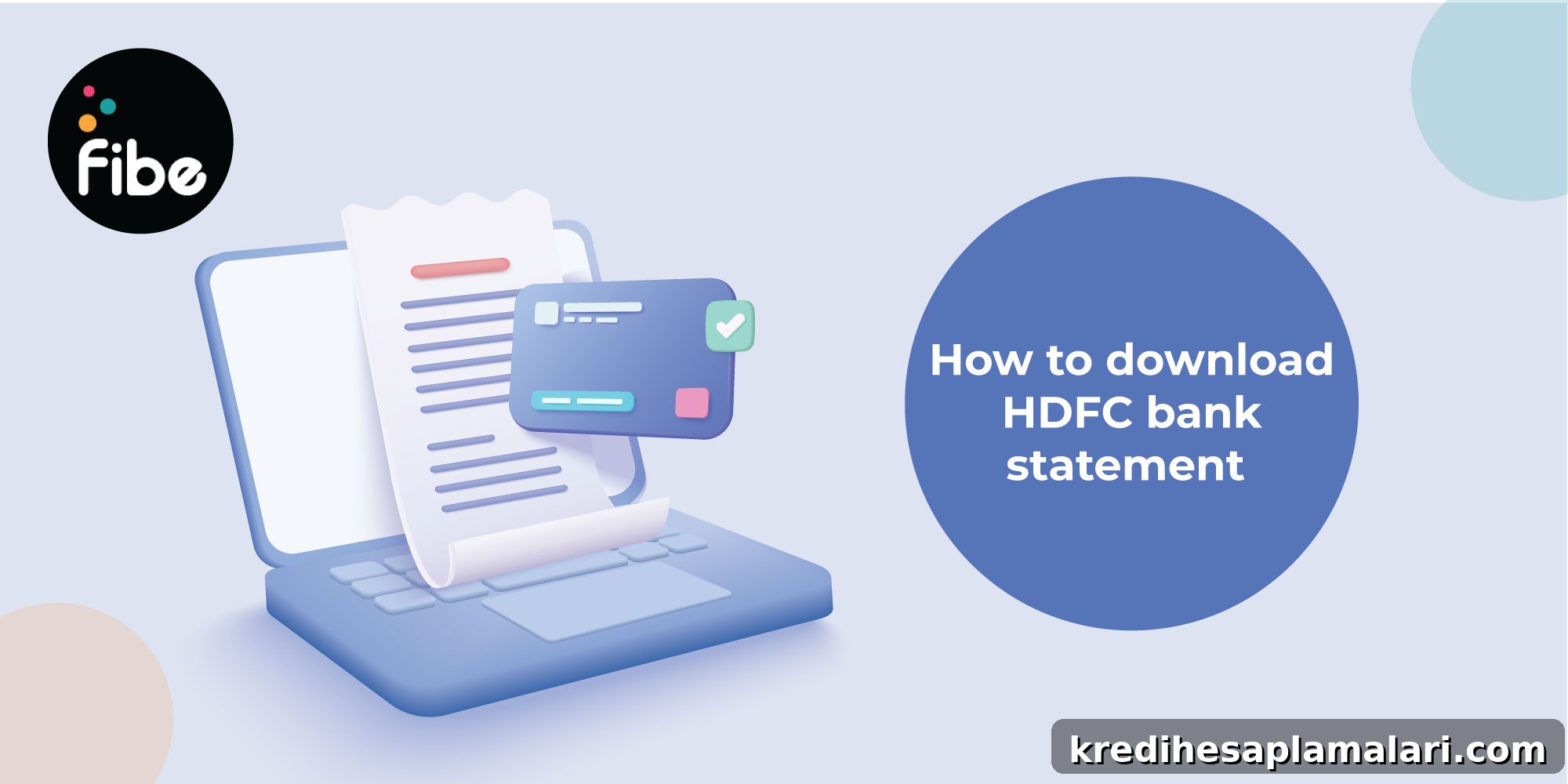
Keeping track of your finances begins with easy access to your bank statement. An HDFC Bank statement provides a clear record of your transactions—credits, debits and balance updates—all in one document. Whether you need it for tax filing, loan applications or to monitor monthly spending, you can obtain your statement quickly via net banking, the mobile app, WhatsApp banking, ATM or by visiting a branch.
HDFC e-statements are provided as password-protected PDFs to keep your financial information secure. The password is commonly your Customer ID or the first four letters of your name in capital letters followed by your birth year (for example, RAJE1990 for Rajesh born in 1990). Enter this password when prompted to open the PDF.
How to Download HDFC Bank Statements Online and Offline
You can access your HDFC Bank statement in minutes using online or offline methods. Below is a concise overview of available options:
| Method | Online | Offline |
|---|---|---|
| Net Banking | Log in and select ‘A/c Statement’ to download your statement. | – |
| Mobile App | Log in to the HDFC app and request the statement download. | – |
| WhatsApp Banking | Use HDFC’s WhatsApp service to request a statement. | – |
| ATM | – | Insert your card and select ‘Account Statement’ to view recent transactions. |
| Bank Branch | – | Submit a statement request form for a printed or emailed copy. |
| SMS Banking | – | Give a missed call to the bank’s service number to receive a mini statement. |
After downloading the PDF, remember it will be secured with a password. Knowing this password allows you to open and view your statement safely.
How to Download HDFC Bank Statements Online
Online methods include net banking, the mobile app and WhatsApp banking. The basic steps are:
Step 1: Log in to your HDFC account using your registered credentials.
Step 2: Choose the account statement option, specify the duration and select the format.
Step 3: Save or view the statement as a PDF for easy access.
Download via Net Banking
- Log in with your Customer ID and password.
- Go to the menu and select ‘Enquire’.
- Click ‘A/c Statement – Current and Previous Month’.
- Choose the account number, period and format.
- Click ‘View’ and use ‘Print This Page’ to save as PDF.
PDF is convenient for viewing and sharing. The downloaded file is password-protected for security. You can also register for periodic e-statements through the net banking portal under the ‘Request’ section.
Download via Mobile App
- Install the HDFC mobile banking app and log in (Customer ID, password, face ID or PIN).
- Select your account, tap ‘Statement’ then ‘Request Statement’.
- Choose the duration and format, then confirm to download.
Download via WhatsApp Banking
- Save the HDFC WhatsApp number on your phone and send ‘Hi’ to begin.
- Complete the registration steps in the chat.
- Request your account statement by following the prompts.
After selecting the period, the statement will be delivered through WhatsApp.
How to Get HDFC Bank Statement Offline
If you prefer offline methods, you can request statements through SMS, ATM or by visiting a branch. Steps to follow:
Step 1: Choose the offline method that suits you—SMS, ATM or branch visit.
Step 2: Use your registered mobile number or debit card to access statement details.
Mini Statement via SMS
To receive a mini statement by SMS, give a missed call to the bank’s designated number. The mini statement typically lists your last 9–10 transactions.
Statement at an ATM
- Go to a nearby HDFC ATM.
- Insert your debit card and enter your PIN.
- Select ‘Account Statement’ to print or display recent transactions.
ATMs usually provide a mini statement showing the most recent transactions.
Statement at a Branch
To obtain a full statement in person, fill out the bank’s statement request form and provide your customer ID and account number. You can ask for the statement to be printed or emailed to your registered address.
HDFC Bank Statement Format
An HDFC account statement summarizes your account activity for a specified period and typically includes:
- Personal details: name, mobile number and residential address.
- Account details: account type, account number, IFSC, MICR code and current balance.
- Transaction history: debit and credit dates, amounts, counterparty details and running balances.
HDFC Bank Statement Password
All e-statements are password-protected for privacy. Common password formats are:
- Customer ID (commonly used).
- Or: first four letters of your name in uppercase followed by your birth year (for example, RAJE1990).
Enter the password when prompted to open the PDF. If the standard formats don’t work, contact HDFC customer care for assistance.
Examples of HDFC Bank Statement Passwords
| Account Holder Name | Year of Birth | Statement Password |
|---|---|---|
| Rajesh Kumar | 1990 | RAJE1990 |
| Priya Sharma | 1985 | PRIY1985 |
| Amit Verma | 1995 | AMIT1995 |
| Sunita Patel | 1978 | SUNI1978 |
| Deepak Singh | 2000 | DEEP2000 |
The most common format is the first four letters of your name in capitals followed by your birth year. If you cannot open the file, contact customer support for help.
Knowing how to access and download your HDFC statement helps you track spending, plan a budget and manage loan or credit applications more effectively.
FAQs on Downloading HDFC Bank Statements
How can I get my bank statement without HDFC net banking?
If you don’t use net banking, you can obtain statements via the mobile app, WhatsApp banking, missed-call SMS service or by visiting an HDFC branch.
How can I download my HDFC 6-month bank statement?
Log in to net banking, choose the statement option, specify the six-month period you need and download the file in your preferred format.
How can I get an HDFC Bank statement through WhatsApp?
Save the HDFC WhatsApp number, send ‘Hi’ to begin registration and follow the bot’s prompts. After registration, request your account statement through the chat.