UPI Payment Failed? Causes and Quick Fixes to Resolve It
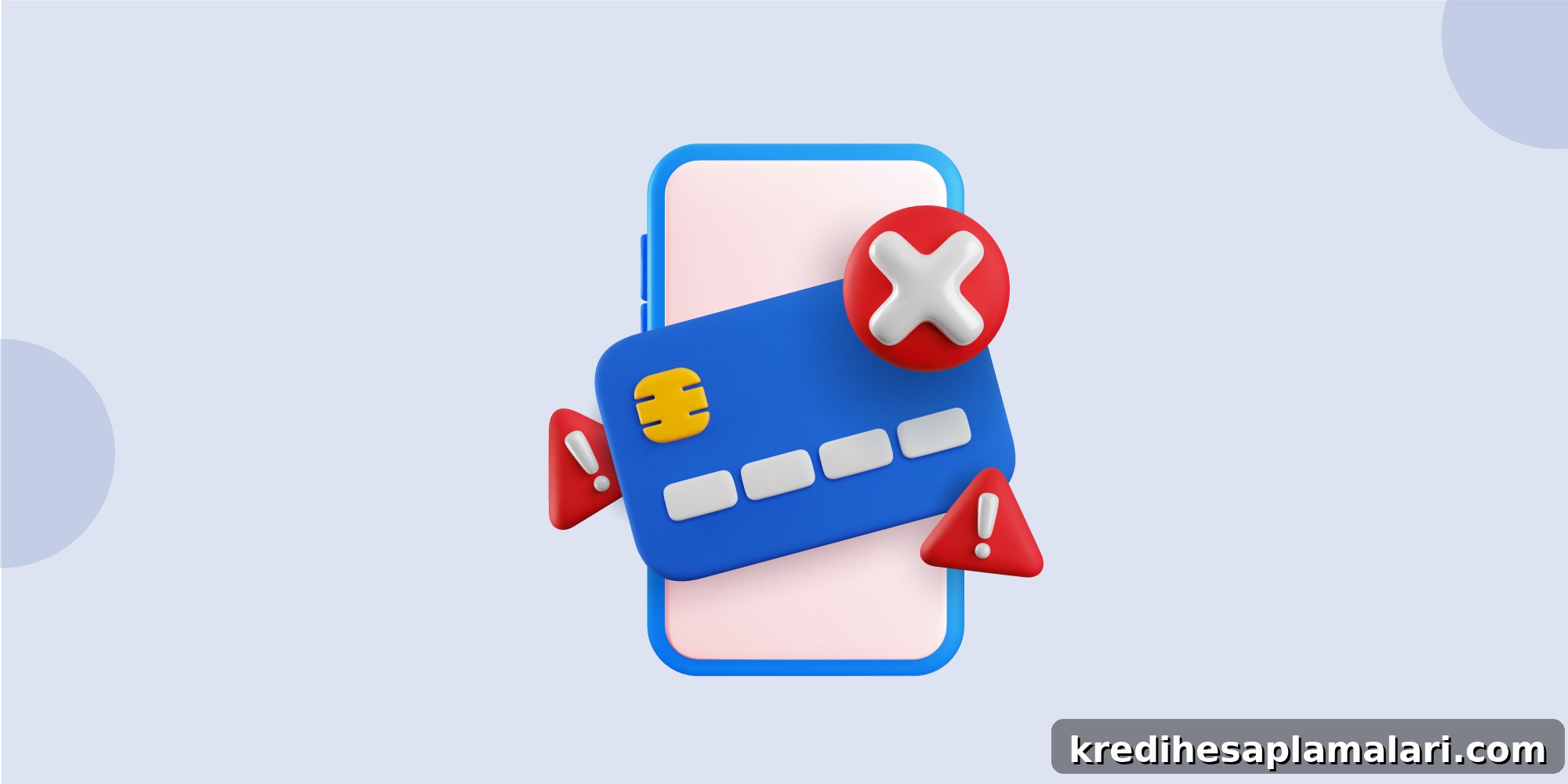
UPI payments can fail for several common reasons such as bank server problems, incorrect payment details, or temporary network glitches. Most issues are short-lived and get resolved automatically or can be fixed in a few minutes. UPI makes transactions convenient, but sometimes a transfer may not complete, or the amount may appear debited without an immediate confirmation.
These situations are usually temporary and not cause for panic. Typical causes include bank server delays, connectivity interruptions, or small input errors. Understanding why payments fail and what to do next can help you resolve problems quickly and avoid repeat issues.
Common Reasons Why UPI Payments Fail
UPI is built for speed and reliability, yet failures do occur. The most frequent reasons are:
- Insufficient or low balance: If your linked bank account lacks sufficient funds, the transaction will be declined.
- Incorrect payment details: Errors in the recipient’s UPI ID, account number or IFSC code can cause the payment to bounce back.
- Weak or unstable internet: A poor connection can interrupt the payment flow and lead to a failed transaction.
- Bank-side issues: Outages or technical problems at your bank or the recipient’s bank can delay or block transactions.
- Wrong UPI PIN: Repeatedly entering an incorrect UPI PIN can result in a failed attempt or temporary blocking.
- Exceeded limits: Banks set daily and per-transaction limits; exceeding those limits will cause the payment to fail.
Knowing these common causes helps you take preventive steps and handle failures efficiently.
How to Fix UPI Payment Failures
If a UPI payment fails, a few quick checks usually resolve the problem. Try the following troubleshooting steps:
- Check your account balance: Confirm there are enough funds to cover the transaction, including any applicable charges.
- Update the UPI app: Running the latest version prevents bugs and compatibility issues; update your app regularly.
- Use a stable internet connection: Switch to a stronger Wi‑Fi or mobile data signal to reduce interruptions during the payment.
- Reset or re-enter your UPI PIN: If you’ve forgotten the PIN or locked it by entering it incorrectly, use the app’s flow to reset it securely.
- Stay within transaction limits: Check and respect your bank’s daily and per-transaction limits to avoid rejections.
- Wait and retry: Many failures are due to temporary server load; waiting a few minutes and trying again often fixes the issue.
- Verify recipient details: Double-check the recipient’s UPI ID, account number, or QR code to ensure there are no typos.
Running through these steps can usually get your payment to complete successfully.
How to Track a Failed UPI Transaction
Tracking a failed UPI transaction is straightforward. Follow these steps in your UPI app:
- Open the UPI app.
- Go to the Transactions or Transaction History section.
- Locate the failed transaction (marked as “Failed” or “Declined”).
- Tap the entry to view details such as time, transaction ID and refund status.
Also check your bank statement to confirm whether funds were debited. The transaction details and reference number will help when reporting the issue.
Tips to Prevent UPI Transaction Failures
To reduce the chance of payment failures, follow these practical tips:
1. Check your internet connection
Ensure a stable network when making payments; intermittent signals can interrupt transactions.
2. Verify recipient details
Always double-check the UPI ID or account details before sending money to avoid mistakes.
3. Ensure sufficient bank balance
Confirm your account has enough funds, including any fees, before initiating the transfer.
4. Avoid peak hours
High traffic during busy times can cause delays. When possible, try non-peak hours for large or important transactions.
5. Keep your app updated
A current app version reduces bugs and improves reliability.
6. Enter the correct UPI PIN
Carefully input your UPI PIN; multiple wrong attempts may lead to temporary blocks.
7. Check bank server status
If issues persist, verify whether your bank or the recipient’s bank is experiencing downtime.
8. Limit repeated attempts
Avoid rapid repeated retries. Wait a few minutes before trying again to prevent duplicate or pending transactions.
9. Link the correct bank account
Make sure the right bank account is linked and active within your UPI app.
10. Grant necessary app permissions
Allow required permissions like SMS and phone access to enable smooth authentication and processing.
What to Do If the Amount Is Debited but the Payment Fails
A frequent concern is when the transaction fails but the amount shows as debited. This can be unsettling, but in most cases the money is automatically refunded.
- Refunds are often credited within a few hours.
- In some cases, refunds may take up to 5–7 working days depending on bank processing.
- If the refund is delayed, raise a complaint through your UPI app or contact your bank’s customer care.
The refund timeline depends on the banks involved and their settlement processes. Keep the transaction reference handy to speed up any queries.
When to Contact Support
If a refund is delayed or the transaction status does not update, contact support. Provide the transaction ID and timestamp to help resolve the issue quickly.
- Your bank’s customer care: Use the bank app, call customer service or visit a branch if necessary.
- Your UPI app support: Use the in-app help or support email to report the problem.
- Escalation options: If both the bank and app don’t resolve the issue, follow your country’s payment authority escalation routes as advised by your bank or app.
Keeping transaction details and timestamps ready makes support interactions faster and more effective. If UPI failures occur frequently, consider using alternate reliable payment methods for critical payments.
FAQs on UPI Transaction Failures and Resolution
Why is my UPI payment failing?
Payments can fail due to incorrect recipient details, insufficient balance, network interruptions, or technical issues at the bank’s end. Verify details and connectivity before retrying.
How do I get a refund for a failed UPI transaction?
Refunds for failed transactions are typically processed automatically within hours to a few working days. If the refund is delayed, raise a dispute within your UPI app or contact your bank’s customer support with the transaction reference.
How can I track a failed UPI transaction?
Open your UPI app and navigate to the Transactions or Transaction History section. Look for the failed entry to view its status, transaction ID and any refund information. Checking your bank statement can provide additional confirmation.