What Is a Loan Account Number and How to Check It Online
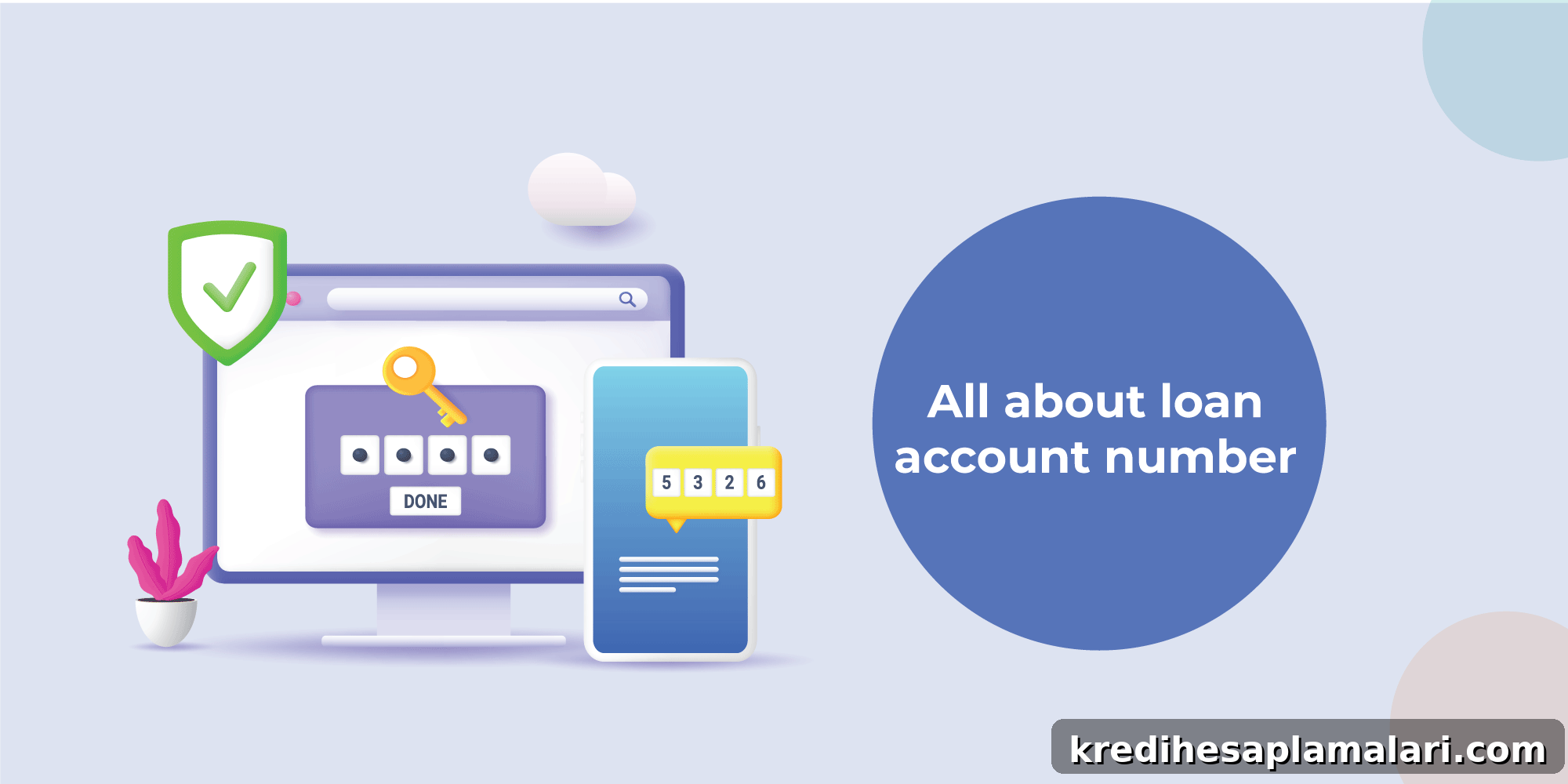
A Loan Account Number (LAN) is the unique identifier your lender assigns to a specific loan. It helps both you and the lender track EMI payments, check outstanding balances, download statements, request services and resolve loan-related issues more quickly. You can usually find your LAN on your loan statement, in the lender’s app or website, on the sanction letter, in EMI debit SMS messages, by contacting customer support or by visiting a branch.
Think of the LAN as the loan’s ID card. Just as a bank account number identifies a savings or current account, the LAN identifies a particular loan account.
What is a Loan Account Number (LAN)?
A LAN is a unique numeric or alphanumeric code assigned by a lender after loan approval or disbursal. It maps to one loan account and helps track the loan throughout its lifecycle. If you hold more than one loan with the same lender—say a personal loan and a two-wheeler loan—each will typically have its own LAN. Each new loan account receives a distinct LAN even within the same financial institution.
With the LAN, lenders can access key loan details such as:
- Loan amount
- EMI due date
- Outstanding balance
- Repayment history
- Interest charged
- Loan tenure
- Foreclosure or closure status
- Statements and NOC details
In short, the LAN keeps all loan-related information organised and easy to retrieve.
How Many Digits is a Loan Account Number?
Loan account numbers commonly have 14 or 15 digits, but formats vary by lender. Some lenders use numeric-only formats, while others use alphanumeric codes. Depending on the lender’s systems, a LAN may range from around 11 to 17 characters. If your LAN isn’t exactly 14 or 15 digits, verify it through your lender’s official app, website, statement or customer support.
| Point | Details |
|---|---|
| Common format | 14 or 15 digits |
| Possible variation | 11 to 17 characters, depending on lender |
| Type | Numeric or alphanumeric |
| Assigned by | Bank, NBFC or financial institution |
| Unique for | Each individual loan account |
If in doubt, always confirm the exact LAN from official lender channels.
How to Check Your Loan Account Number Online and Offline
You can locate your LAN using digital and offline methods. Common places where lenders display LANs include loan statements, mobile apps, net banking portals and customer portals. Here are practical ways to find it.
1. Check Your Loan Statement
The loan statement is among the easiest places to find your LAN. It typically appears near the top of the document alongside your name, loan type, loan amount and EMI details. Statements can be delivered by email, available in the lender’s app, accessible via net banking, provided as a physical copy or downloadable as a PDF from the customer portal.
Look for labels such as Loan Account Number, Account No., LAN or Loan No. The LAN is often shown in the header section of a statement or e-statement.
2. Log in to the Lender’s Website or App
Digital channels usually provide instant access to your LAN.
Steps to follow:
- Open the lender’s official website or mobile app.
- Log in with your registered mobile number, email ID, customer ID or OTP.
- Navigate to Loans, My Loans, Accounts or a similar section.
- Select the active loan.
- Check the loan summary page for your LAN, EMI due date, outstanding balance and repayment schedule.
3. Check Your Sanction Letter or Loan Agreement
The sanction letter or loan agreement issued at approval or disbursal often includes the LAN. Check sections such as loan summary, borrower details, repayment schedule, account details and disbursement information. This approach is useful for older or closed loans that may not be visible in the app.
4. Review SMS and Email Alerts
Lenders commonly send SMS and email notifications after approval, EMI debits, payments, bounces or statement generation. These messages may contain the LAN or a partially masked version. Search your messages or email using terms like “Loan account number”, “LAN”, “EMI”, “loan statement” or your lender’s name.
5. Check Your Credit Report
Your credit report lists active and closed loan accounts along with lender name, loan type, sanctioned amount, outstanding amount, repayment history and account status. Depending on reporting format, the LAN may be fully visible or partially masked. Use this method to identify which lender reported a loan, but confirm the LAN with the lender before making payments or raising service requests.
6. Contact Customer Service
If you cannot find the LAN, contact the lender’s customer care. Be prepared to verify identity with information such as your registered mobile number, PAN, date of birth, email ID, loan type or last EMI amount. Customer support can retrieve the LAN after verification. Important: never share OTPs, passwords, PINs or full card details with anyone claiming to help you find your LAN.
7. Visit the Nearest Branch
If digital access isn’t available, visit your lender’s branch with valid ID and supporting documents such as PAN, Aadhaar, the sanction letter (if available), registered mobile number and any EMI receipts or statements. After verification, branch staff can help retrieve your LAN.
Online vs Offline Ways to Find Your LAN
| Method | Online/Offline | Best For |
|---|---|---|
| Loan statement | Online/Offline | Quick verification |
| Lender app | Online | Instant access |
| Website/customer portal | Online | Full loan details |
| Sanction letter | Offline/Online PDF | Old or closed loans |
| SMS/email alerts | Online | EMI or disbursal references |
| Credit report | Online | Finding reported loan details |
| Customer service | Online/Phone | When documents are unavailable |
| Branch visit | Offline | When digital access is not available |
Why Your Loan Account Number Matters
The LAN ensures every loan-related action is credited to the correct account, which is crucial if you have multiple loans with the same lender. Key benefits include:
1. Making EMI Payments
When paying EMIs via net banking, UPI, cheque or other modes, the LAN ensures the payment is applied to the correct loan account. Entering the wrong LAN can result in payments being misapplied or left unallocated until corrected.
2. Tracking and Managing Your Loan
Using the LAN you can check EMI due dates, number of EMIs paid, outstanding principal, interest charged, repayment schedule, part-payment status, foreclosure amounts and loan closure status.
3. Faster Customer Support
Quoting your LAN helps customer support locate your loan account quickly for issues like missed EMIs, extra payments, NOC requests, foreclosure letters or statement downloads.
4. Updating Personal Information
The LAN may be requested when updating contact details, residential address, employment information, bank account for auto-debit or EMI mandate details to ensure changes apply to the correct loan.
5. Downloading Statements, NOC and Certificates
You may need the LAN to download or request loan statements, repayment schedules, interest certificates, foreclosure letters, No Objection Certificates or loan closure confirmations.
Loan Account Number vs Bank Account Number
Loan account numbers and bank account numbers serve different purposes. A loan account number is a unique identifier for a loan (personal, home, business, etc.), used for EMI tracking, servicing and statements. A bank account number identifies a deposit account and is used for deposits, withdrawals and transfers. Loan account numbers change with every loan; a bank account number remains the same unless the account is closed.
| Basis | Loan Account Number | Bank Account Number |
|---|---|---|
| Meaning | Unique ID for a loan | Unique ID for a savings/current account |
| Issued for | Personal loan, home loan, business loan, etc. | Bank deposit account |
| Used for | EMI tracking, loan servicing, statements | Deposits, withdrawals, transfers |
| Assigned by | Lender | Bank |
| Changes with each loan? | Yes | No |
Loan Account Number vs Loan Reference Number
LAN and loan reference numbers are often confused but serve different roles. The LAN identifies an approved and disbursed loan and remains linked to that account. A loan reference number usually tracks an application, service request or transaction and may be temporary or transaction-specific. In simple terms: use the LAN to manage the loan; use a reference number to track an application or request.
| Basis | Loan Account Number | Loan Reference Number |
|---|---|---|
| Purpose | Identifies an approved/disbursed loan | Tracks an application, request or transaction |
| Stage | Generated after approval/disbursal | Often generated during application or service request |
| Validity | Remains linked to the loan account | May be temporary |
| Used for | EMI payments, statements, repayment tracking | Application tracking or query follow-up |
Safety Tips While Using Your Loan Account Number
Although the LAN is not as sensitive as an OTP or password, handle it carefully. Do not share it publicly and access loan details only through official websites, verified apps or trusted customer care numbers. Follow these precautions:
- Do not post your LAN on social media or public forums.
- Never share OTPs, passwords or PINs with anyone.
- Use only official lender apps, websites or verified customer care numbers.
- Store loan documents in a secure folder.
- Double-check the LAN before making EMI or part-payments.
- Beware of callers offering pre-approved loans in exchange for personal details.
How to Check Your Fibe Loan Account Number?
You can check your Fibe loan account number through Fibe’s official digital channels.
Steps to check your Fibe LAN:
- Open the Fibe app or visit the official Fibe website.
- Log in with your registered mobile number.
- Go to your active loan section.
- Open your loan details or repayment section.
- Check the loan summary, statement or repayment schedule for the LAN.
- If you cannot find it, contact Fibe customer support through official channels.
Your Fibe LAN is needed to check EMI details, download statements, raise repayment queries or track an active personal loan.
The Bottom Line
The loan account number is a small but essential detail in managing your loan. It ensures EMIs are credited correctly, helps you track repayment progress, enables statement downloads, supports personal information updates and speeds up query resolution. Keep your LAN accessible but secure, and when choosing a lender look for one that offers a clear, user-friendly digital experience for loan management.
FAQs on Loan Account Number
1. What is a loan account number?
A LAN is a unique identifier assigned by a lender to a specific loan account. It helps track EMI payments, outstanding balances, repayment history, loan statements and service requests.
2. Is a loan account number and bank account number the same?
No. A bank account number identifies a deposit account, while a loan account number identifies a specific loan provided by a bank, NBFC or financial institution.
3. What can I do with my loan account number?
You can use your LAN to check loan status, make EMI payments, download statements, raise service requests, update personal information, request foreclosure details and obtain a NOC after loan closure.
4. Can I find my loan account number on my credit report?
Yes, credit reports may display loan account details, but the LAN might be fully visible, partially masked or shown differently depending on the bureau and lender. For payments or official requests, always confirm the LAN with your lender.
5. What is the difference between a loan account number and a loan reference number?
A LAN is a permanent identifier for an approved or disbursed loan. A loan reference number typically tracks an application, transaction or service request and may be temporary.
6. How do I check my Fibe loan account number?
Log in to the Fibe app or official website using your registered mobile number, go to your active loan section and check the loan summary, statement or repayment schedule. Contact customer support if needed.
7. How many digits does a loan account number have?
Commonly 14 or 15 digits, though formats vary by lender and may be numeric or alphanumeric with different lengths.
8. Can I have more than one loan account number?
Yes. Each loan usually has its own LAN, so multiple loans will have separate loan account numbers.
9. Is it safe to share my loan account number?
You may need to share your LAN with the lender for official requests, but avoid public sharing or providing it to unknown callers. Never combine sharing the LAN with OTPs, passwords, PINs or other sensitive banking details.