mPassbook: Features, Benefits, and How to Download
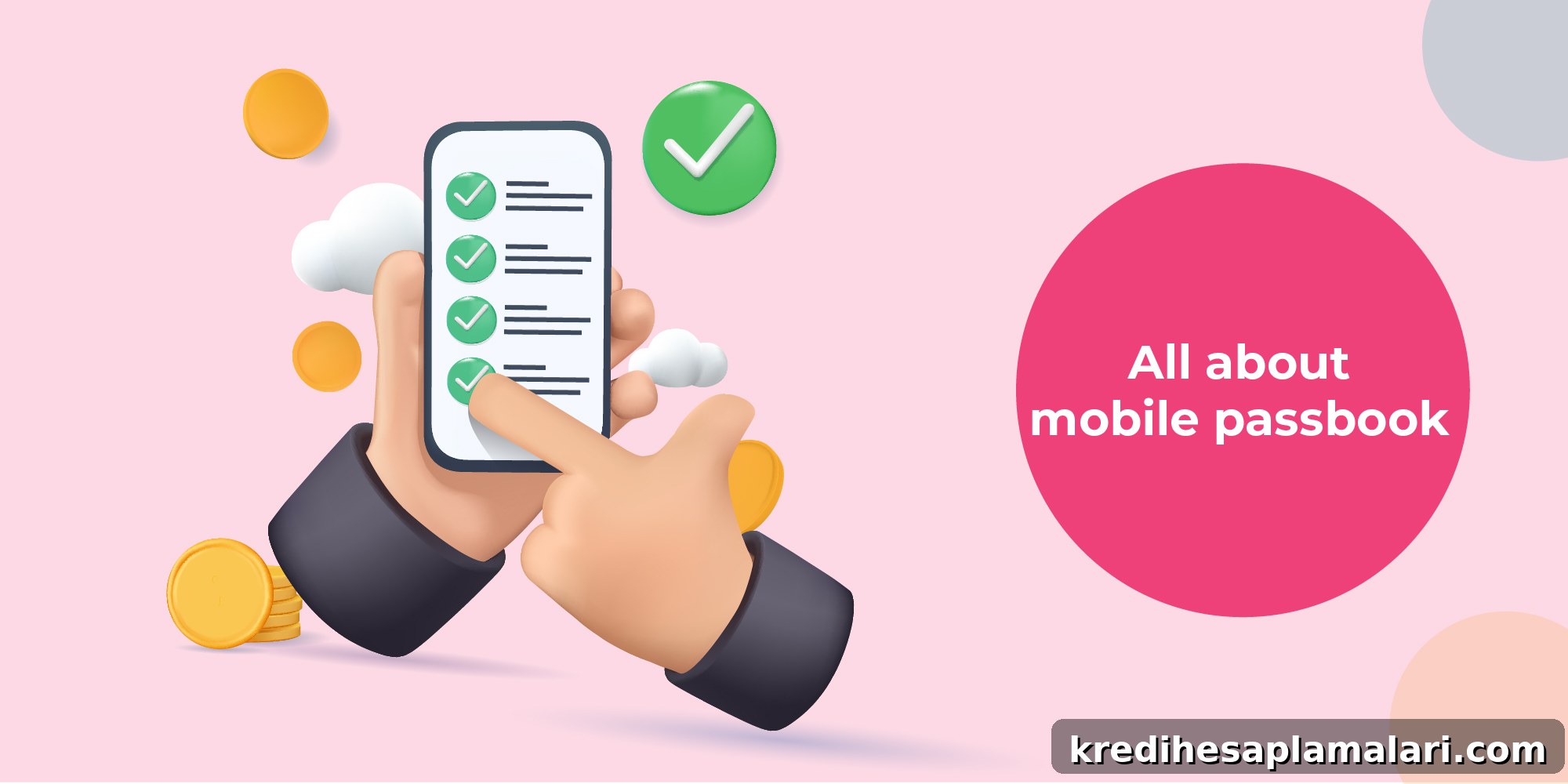
mPassbook, or mobile passbook, is a service offered by banks that lets customers monitor their accounts from their smartphones. By linking your savings or current account to a mobile app, you can view your account statement instantly and remotely. This eliminates the need to visit a branch to check balances or transactions, making account monitoring faster and more convenient.
Read on to learn more about mobile passbooks and how they work.
What is a mPassbook?
An mPassbook is the digital equivalent of a traditional passbook, accessible via your mobile device. Many banks now provide this feature to customers who prefer digital banking. Viewing your account statement on your phone simplifies transaction tracking and provides quick access to account information. A typical online passbook includes:
- Account holder information, such as name, address, and registered phone number
- Account specifics, including account number and customer ID
- Bank details, such as bank name, branch address, and IFSC code
- Account balance and transaction records, including amounts, dates, times, and transaction IDs
Features and Benefits of mPassbook
Mobile passbooks offer several advantages that make banking more efficient and secure:
- Easy Access: Your account statement and transaction history are just a few taps away on your smartphone.
- Time Savings: Electronic passbooks eliminate frequent branch visits and let you update and review transactions quickly.
- 24/7 Availability: Access your passbook anytime, even outside normal bank hours.
- Enhanced Security: Access is typically protected by an MPIN or other secure login, reducing the risk of unauthorized access compared with a physical passbook.
- Instant Statements: Download a soft copy of your account statement instantly when needed.
- Real-Time Updates: Your balance updates quickly after transactions, helping you monitor funds in real time.
- No Additional Fees: Most banks provide this service free of charge, making it a cost-effective option.
Beyond convenience, an mPassbook is useful for verification, tax filings, and other processes that require a transaction record and account details. Digital records are readily available when you need them, and the ability to review transactions quickly helps you spot and report suspicious activity promptly.
Pre-requisites for mPassbook
Before you can use a mobile passbook, make sure you have the following:
- A smartphone that meets the bank app’s software requirements
- Registration for mobile banking with your bank
- Your mobile number linked to your bank account
- Your user ID and password or other credentials required by the bank for login
How to Download and Register for mPassbook
Follow these steps to install your bank’s mobile app and activate the mPassbook feature:
- Step 1: Open the Google Play Store (Android) or Apple App Store (iOS).
- Step 2: Search for and install your bank’s official mobile app.
- Step 3: Launch the app after installation.
- Step 4: Choose your preferred language.
- Step 5: Enter your registered mobile number.
- Step 6: Verify the number by entering the OTP sent to you.
- Step 7: Provide your customer ID and any other required details.
- Step 8: Create an MPIN or set up the bank’s required security credentials.
- Step 9: Log in using the MPIN or chosen authentication method to access your mPassbook.
After registering, check your account balance and transaction history regularly. If you find you need short-term funds, consider options offered by your financial provider, making sure to review eligibility and terms before applying.
FAQs on mPassbook
What is the use of mPassbook?
An mPassbook is a digital version of a physical passbook that lets you check your account balance and track transactions quickly from your mobile device, without visiting a bank branch.
What is the difference between a passbook and mPassbook?
The mPassbook is the electronic form of the physical passbook, accessible via the bank’s official mobile app and updated digitally in real time.
Can I get a passbook in one day?
Yes. Both physical and electronic passbooks can typically be issued or activated within a single day, depending on bank processes.
Is an online passbook available?
Yes. Most banks provide mobile apps or online platforms that allow customers to access their passbook and transaction history on their devices.