How to Generate a Credit Card PIN Online or In Person
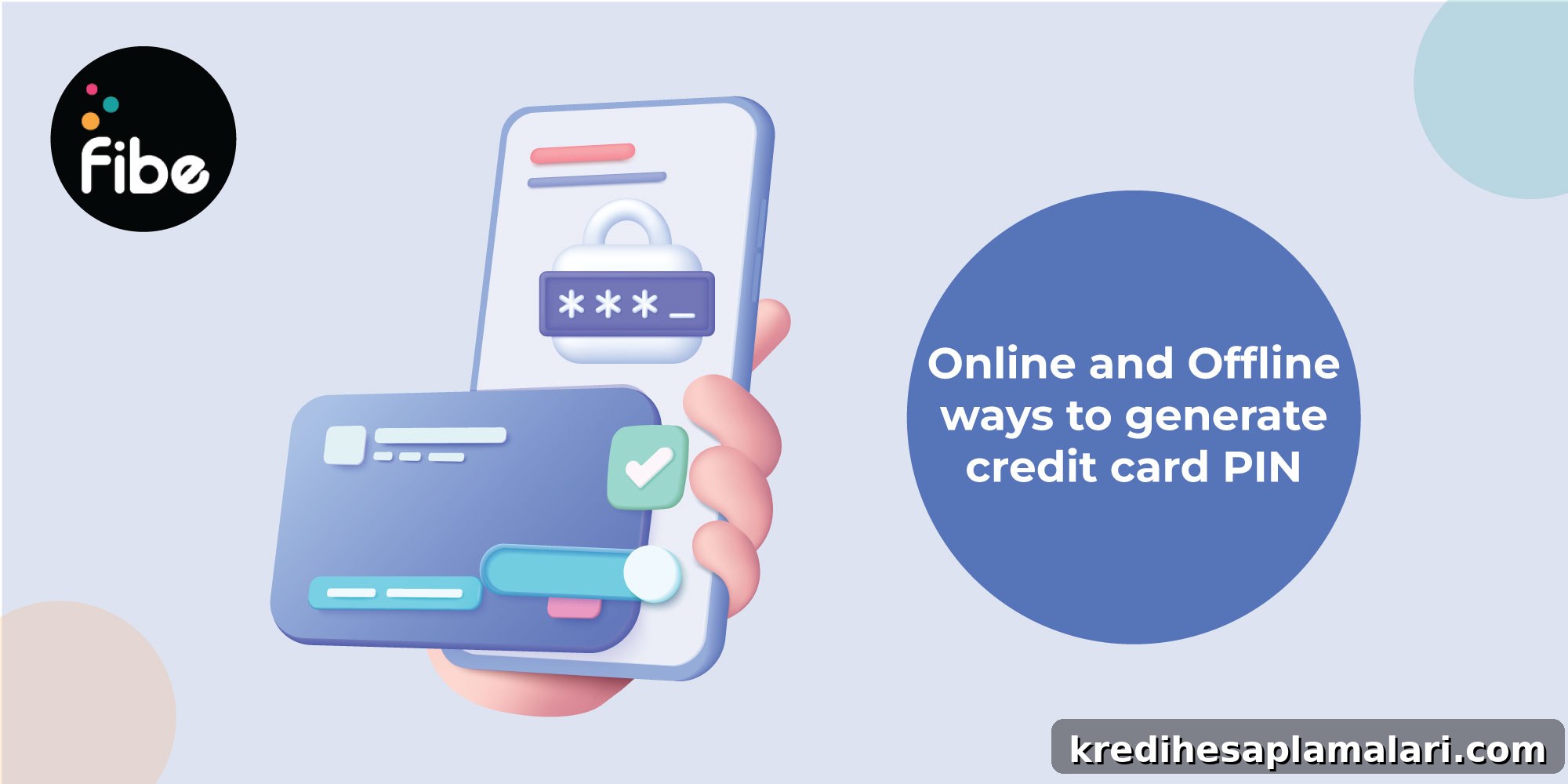
Today, most credit card issuers let you generate or change your credit card PIN both online and offline with ease. A credit card PIN is the personal identification number used to verify your identity when completing transactions at ATMs, point-of-sale terminals, and other payment gateways. Entering the correct PIN allows the payment system to authenticate you and complete the transaction.
Generating a credit card PIN is an important security step that helps protect you from unauthorised use and fraud. Below are clear, practical instructions for creating or changing your credit card PIN online and offline, along with tips to keep your PIN safe.
Steps to Generate Credit Card PIN Online
Follow these general steps to create or change your credit card PIN using online services provided by your card issuer.
Through NetBanking
- Step 1: Log in to your net banking account.
- Step 2: Navigate to the credit card or card services section.
- Step 3: Select the “Change PIN” or “Generate PIN” option.
- Step 4: You will receive an OTP (one-time password) on your registered mobile number.
- Step 5: Enter the OTP and proceed.
- Step 6: Choose a new PIN, re-enter it to confirm, and submit.
Through Mobile Application
- Step 1: Install and register on your card issuer’s mobile banking or card app.
- Step 2: Log in and go to the credit card section.
- Step 3: Tap “Change PIN” or “Generate PIN.”
- Step 4: Enter the OTP sent to your registered mobile number.
- Step 5: Enter your chosen PIN, confirm it, and submit the request.
Steps to Generate Credit Card PIN Offline
If you prefer offline methods, you can generate your PIN at an ATM belonging to your card issuer. Here’s how:
Through ATM
- Step 1: Visit an ATM of your card issuer and insert your credit card into the machine.
- Step 2: Choose the “Create PIN Using OTP” or similar option.
- Step 3: Enter the OTP you receive on your registered mobile number.
- Step 4: When prompted to “Generate PIN” or “Create New PIN,” enter the new PIN of your choice.
- Step 5: Re-enter the PIN to confirm and complete the process.
Ways to Protect Your Credit Card PIN
Keeping your PIN secure reduces the risk of fraud. Use these practical measures to protect your PIN and your account.
Create a Strong PIN and Memorise It
Choose a PIN that is hard to guess—avoid predictable numbers like birthdays, anniversaries, or repeated digits. Use a random combination that you can remember but others cannot easily deduce. Do not write the PIN on paper or store it in an obvious place such as inside your wallet.
Cover the ATM Keypad When Entering PIN
Always cover the keypad when typing your PIN at an ATM or point-of-sale terminal. This prevents onlookers or cameras from seeing your entry and reduces the chance that someone can replicate your PIN from hand movements. If you feel observed or suspect someone is recording you, cancel the transaction and move to a safer location.
Monitor Your Credit Card Account
Regularly review your credit card statements and transaction history to spot any unauthorised activity. Check each monthly billing cycle for unfamiliar charges and report any discrepancies to your card issuer immediately to limit potential loss and enable quicker resolution.
Change Your PIN Periodically
Changing your PIN periodically adds another layer of security. Consider updating your PIN every three to six months, especially if you suspect it may have been compromised. Also avoid saving card details on websites or apps unless necessary and you trust the platform.
Generating and protecting your credit card PIN is straightforward when you follow the issuer’s procedures and apply basic security habits. A secure PIN coupled with regular account monitoring helps ensure your card remains a safe and convenient payment tool.
FAQs on Generating Credit Card PIN
Can I change my credit card PIN online?
Yes. Most issuers let you change your credit card PIN online using net banking or the issuer’s mobile application. The process typically involves OTP verification to confirm your identity.
How do I get a new PIN for my credit card?
You can obtain a new credit card PIN either online—via net banking or the issuer’s mobile app—or offline through an ATM of your card issuer. Follow the prompts and verify using the OTP sent to your registered mobile number.