How to Block a UPI Phone Number Quickly and Securely
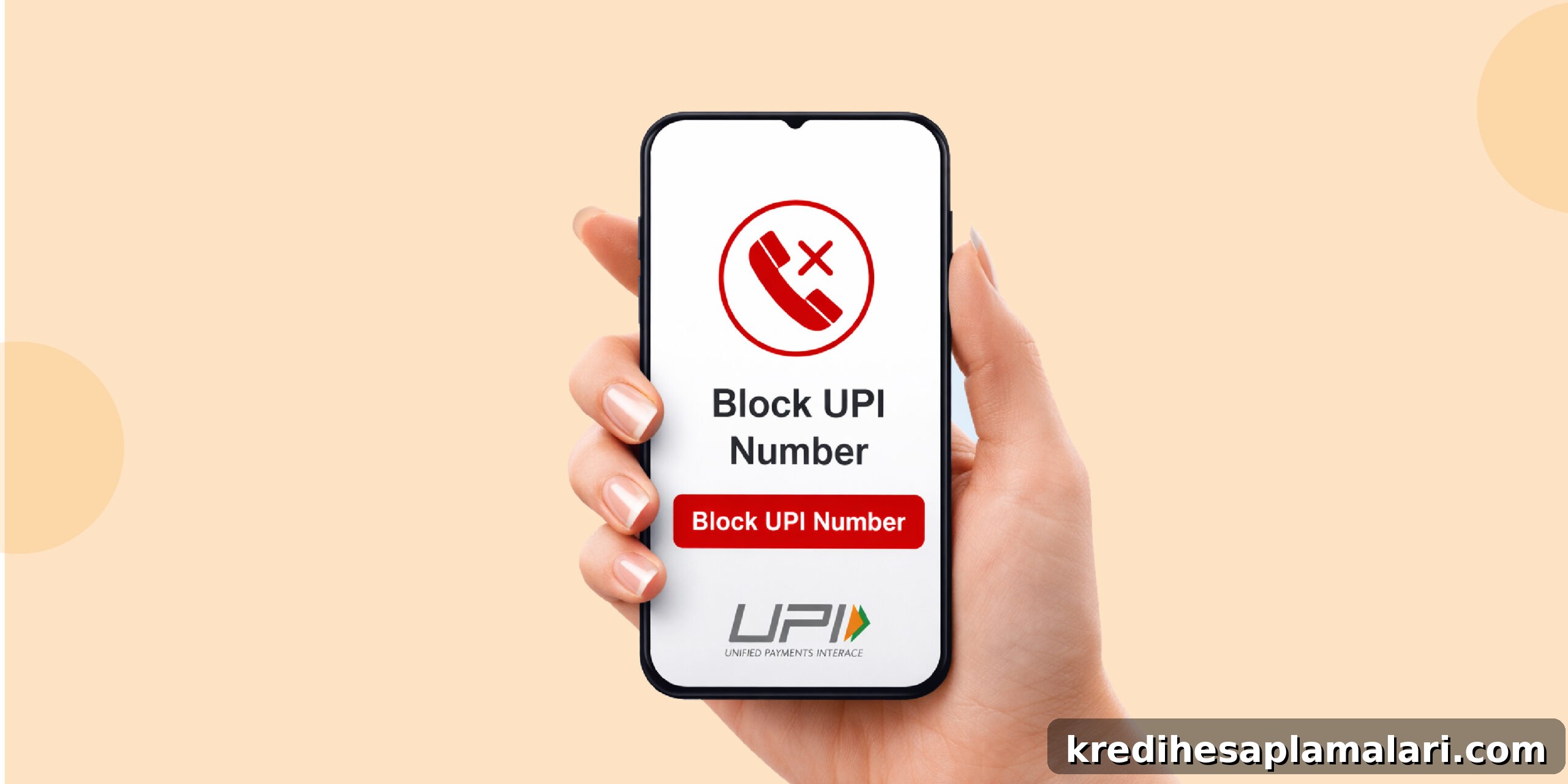
UPI is designed with strong security, but if your phone is stolen or you notice suspicious requests or fraud attempts, it’s important to know how to block your UPI ID quickly. Taking prompt action can stop unauthorised transactions and protect your funds.
If you need to block your UPI number, the fastest options are to contact your bank, disable UPI from your app settings, or block your SIM if your phone is lost. You can also raise a request with NPCI to block the UPI ID linked to your account.
Key Components of UPI
Understanding the main elements of UPI helps when you need to secure or block services:
1. UPI ID and PIN
- Your UPI ID (Virtual Payment Address) acts like an email address for payments (for example, name@bank).
- Every transaction requires a secure UPI PIN for authorisation.
- No money can be debited from your account without entering this PIN.
2. Mobile Number and Bank Account
- Your UPI is linked to your registered mobile number and bank account.
- Payments are processed instantly between accounts via apps such as BHIM, Google Pay, or PhonePe.
How to Block UPI Number or UPI Services
If you’re asking how to block your UPI ID or secure your account, follow these steps to block UPI quickly:
1. Block Your SIM Immediately
- Call your telecom provider to block your SIM if your phone is lost.
- This prevents anyone who has your phone from using the UPI-linked number.
2. Contact Your Bank
- Call your bank’s customer care and request that they block or temporarily disable UPI services linked to your account.
3. Disable UPI via the App
- Open your UPI app → Profile/Settings → Select your bank account.
- Choose Remove or Deactivate UPI ID and confirm to block the UPI ID instantly.
4. Log Out from All Devices
- Some apps allow you to remotely log out from all devices—use this if your phone is stolen.
- Logging out prevents unauthorised access to your app session.
5. Raise a Complaint with NPCI
- File a complaint on the NPCI UPI help channels for fraud, spam requests, or unauthorised activity so they can investigate.
6. Report to the Cybercrime Portal
- If you suspect fraud, report it on the national cybercrime portal so authorities can track misuse and assist with recovery.
7. Know the Limitations
- You cannot directly block a specific sender from sending collect requests on UPI like you would block a caller on your phone.
- Instead, decline or ignore requests from unknown IDs and report suspicious activity to your bank or NPCI.
Precautions to Take After Blocking UPI
After you block your UPI, take these measures to restore and strengthen security:
1. Change Your UPI PIN
- Reset your PIN once you regain control of your account or re-enable UPI.
- Never share your PIN with anyone, including people claiming to be bank staff.
2. Monitor Bank Statements
- Regularly review account statements and transaction alerts for any suspicious activity.
- Early detection helps minimise potential loss and speeds up dispute resolution.
3. Enable App Security
- Use biometric locks, app passcodes, or device-level security to add layers of protection.
4. Avoid Unknown Requests
- Never approve collect requests from unknown UPI IDs.
- Remember: funds are transferred only after you enter your UPI PIN—never share that PIN.
5. Keep Contact Details Updated
- Ensure your mobile number and email are up to date with your bank so you receive alerts immediately.
6. Stay Informed on UPI Rules
- NPCI and banks periodically update safety features; keep informed to reduce fraud risks.
Final Thoughts
Knowing how to block UPI services or your UPI number is essential in a digital-first world. UPI’s mandatory PIN authentication and other safeguards provide strong protection, but your vigilance is the first line of defence. Acting quickly—by blocking your SIM, contacting your bank, disabling UPI in the app, and filing complaints where necessary—can protect your money and data.
FAQs on How to Block a UPI Number
1. How do I block a number on UPI?
You cannot directly block a specific number on UPI. You can decline requests, mute notifications, report the user to your bank or NPCI, and take steps to secure your account.
2. Can I block my UPI transaction?
Once a UPI transaction is authorised with your PIN, it cannot be instantly reversed. Contact your bank immediately to report the transaction and begin dispute resolution.
3. How do I disable my UPI number?
To disable your UPI number, unlink your bank account from the UPI app or request your bank to deactivate UPI services for your account.
4. Can UPI be blocked?
Yes. You can temporarily block UPI services by contacting your bank, disabling them via the app settings, or blocking your registered mobile number with your telecom provider.